604/4
How to Reduce Glare on a TV Screen: Windows, Lamps and Position
Reflections on a TV rarely need new hardware. Find the light source behind the glare, then move, cover or dim it, and adjust the screen angle and picture settings last.
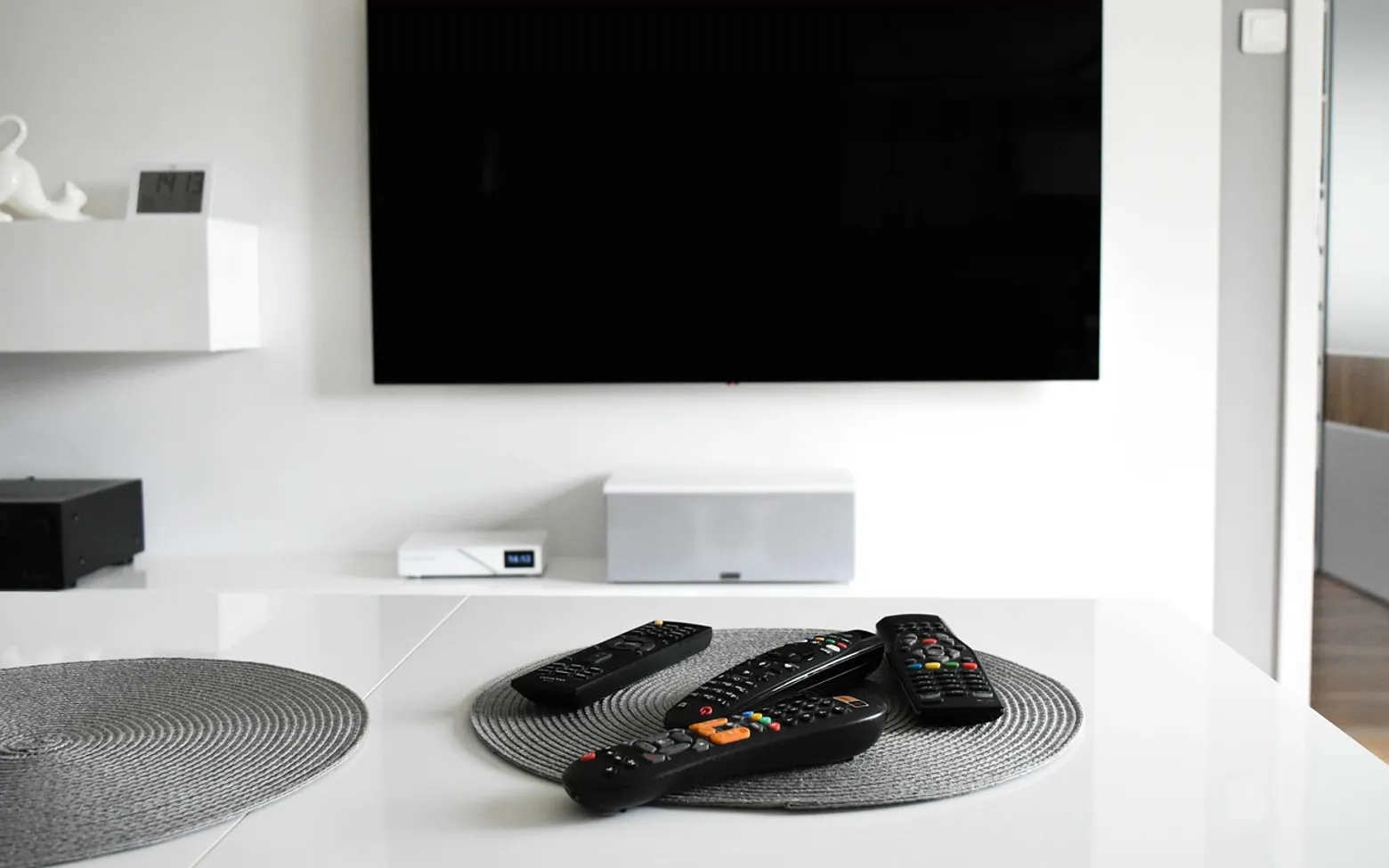
The match starts at three on a bright Sunday afternoon. Halfway through the first half, the sun moves round the house, and suddenly the left side of the screen shows a perfect copy of the window behind the sofa, complete with the neighbour's tree. Someone gets up to tug the curtain, someone else complains they cannot see the score, and the moment is gone.
Glare on a television is almost always a light problem rather than a screen problem. A glossy panel acts like a dark mirror: anything bright that sits opposite it, or above and behind the viewer, bounces straight back. The fix is to find that source and deal with it, then fine-tune the set itself.
Step one: find the culprit
Switch the TV off during the time of day the glare bothers you. A black screen shows reflections at their clearest. Sit in your usual seat and note everything you can see in it: windows, lamps, ceiling lights, a white wall catching the sun, even a glass picture frame. Then do the same in the evening with your normal lamps on, because daytime and night-time glare usually have different causes.
Daylight: the windows
- Cover the window opposite the screen. Curtains, roller blinds or blackout liners on the window facing the TV make the biggest single difference. Sheer curtains soften daylight without making the room gloomy.
- Use the blinds you already have. Tilting horizontal slats upwards bounces daylight to the ceiling instead of straight onto the panel.
- Rethink the layout. The ideal is a screen on a wall at right angles to the main window, so daylight falls across the room rather than towards the glass. If the TV sits with its back to a window, the screen itself is fine, but the bright window behind it tires the eyes; a blind helps there too.
Daytime sport is where window glare causes the most frustration. Anyone who watches a lot of it, as described in this piece on following sport and films through internet TV, will notice the difference a proper blind makes far more than any picture setting.
Evening: lamps and ceiling lights
After dark, the main offenders are lights that sit in the screen's line of reflection. A large pendant in the middle of the ceiling, such as the statement fittings covered in this guide to modern chandeliers, often shows up as a bright blob in the top half of the picture. Dim it or switch it off when the film starts and let lower lamps take over.
Directional ceiling spots can be useful here, because the heads can be turned away from the screen. The ideas in this article on living-room track lighting show how adjustable spots can light shelves and walls without pointing at the TV.
| Light source | Typical reflection | Simple fix |
|---|---|---|
| Window opposite the screen | Large pale rectangle, worst on sunny afternoons | Curtains, blinds or moving the TV to a side wall |
| Central ceiling light | Bright spot near the top of the picture | Dimmer or switching to lamps during viewing |
| Floor lamp behind the sofa | Small glowing point in the middle of the screen | Move it to the side of the room or lower the shade |
| Table lamp beside the TV | Usually none; it sits outside the reflection | Keep it; this is the best place for a lamp |
| Pale wall opposite the screen | General haze that lowers contrast | Keep that wall dim during films |
Adjust the screen itself
- Change the angle. Tilting a wall-mounted set down slightly, or turning a set on a stand a few degrees, can move a reflection off to one side. Small changes help more than you would expect.
- Check the height. A set mounted high reflects ceiling lights more readily. Bringing the centre of the screen closer to seated eye level often removes them altogether.
- Raise brightness during the day. Many TVs have a picture mode for bright rooms or an automatic light sensor. A brighter picture competes with reflections better, though it is worth switching back to a calmer mode for evening films.
- Keep the panel clean. Fingerprints and dust scatter light and make glare look worse. Use a dry microfibre cloth and follow the maker's cleaning advice rather than household sprays.
When buying a new set
If glare is a constant fight in a bright room, it is worth comparing screens in person and paying attention to how each handles reflections, since panels differ in coating and brightness. As more viewing moves to streamed channels, as discussed in this look at how streamed TV is changing home entertainment, the set is often on for longer and at more times of day, so a room that works at three in the afternoon matters as much as one that works at nine at night. For background on the wider shift, see the comparison of internet television and traditional broadcasts.
Across the sections
Spotted a mistake?
A short note is enough.