227/14
Minecraft Bedrock
Ask a group of players which version of Minecraft they use and the answer often depends on what they own. Someone on a console, a phone or a Windows PC is probably…
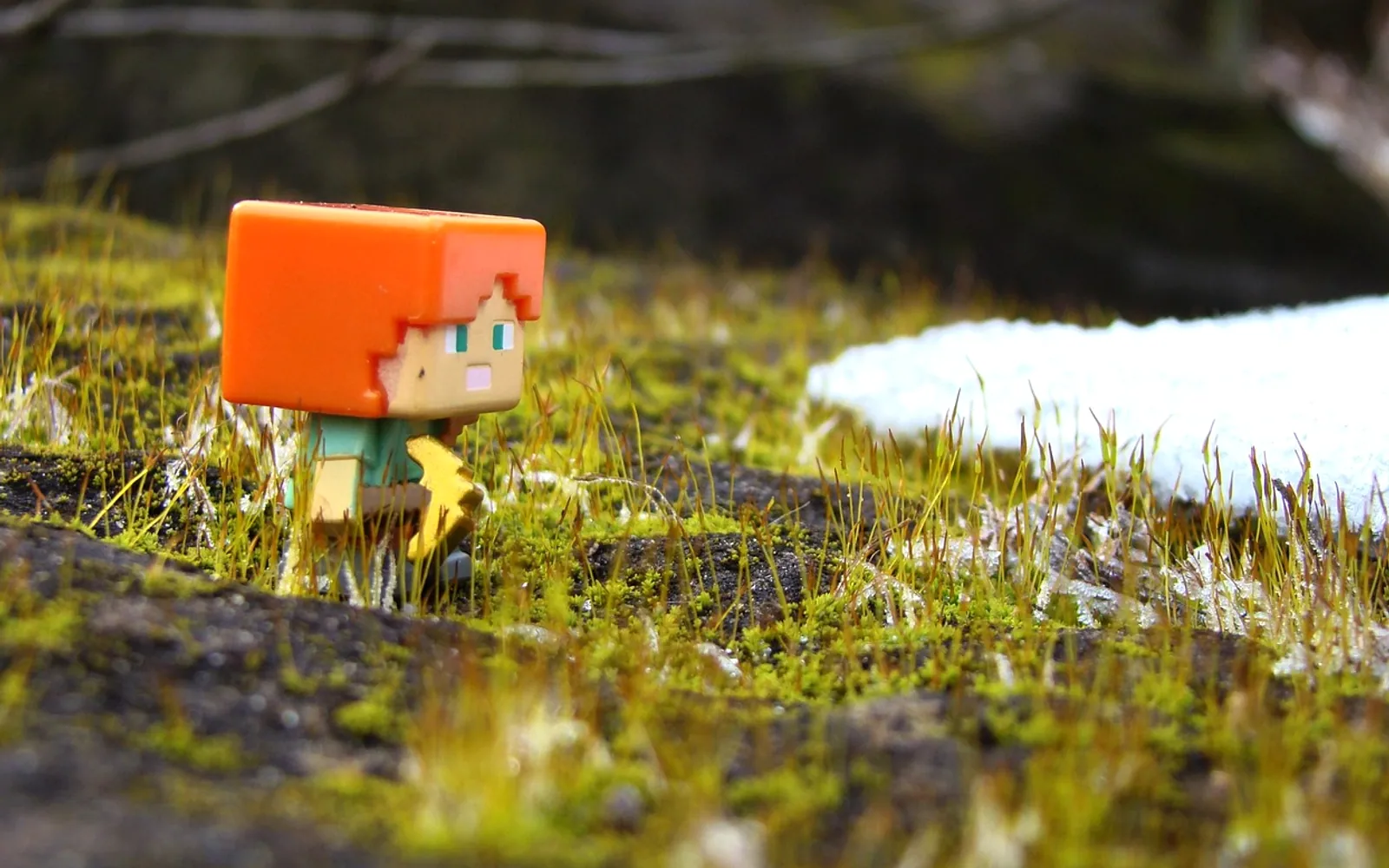
Ask a group of players which version of Minecraft they use and the answer often depends on what they own. Someone on a console, a phone or a Windows PC is probably playing Bedrock, the edition built to run on almost everything. It shares the blocks, mobs and crafting everyone knows, yet a handful of differences shape how it feels day to day.
How Bedrock compares with Java
Java Edition is the original PC version, loved for its huge modding scene. Bedrock was built for reach and performance, so it tends to run smoothly on modest hardware and touchscreens. The core game is the same, but small differences exist: some redstone contraptions behave a little differently, world generation varies in places, and menus are designed with controllers and phones in mind. Most players never notice these quirks unless they build complex machines or follow Java tutorials closely.
Cross-play: one world, many devices
Bedrock's standout feature is that friends on different devices can play together. A child on a tablet, a parent on a console and a cousin on a laptop can all join the same world. That makes it a favourite for families and school friends who do not share a platform. Signing in with one account keeps purchases and friend lists in sync across devices.
Realms, servers and finding a community
There are several ways to play with others:
- Local multiplayer: join a friend's world on the same home network.
- Realms: a paid, always-online private world for a small group, ideal for families who want something simple to manage.
- Featured servers: large official partner servers with minigames, reachable from the main menu.
- Community servers: independently run worlds with their own rules, events and game modes.
Community servers are where much of the variety lives, from survival worlds with player-run economies to parkour courses and creative building contests. To browse them by type, player count and style, a dedicated Minecraft server list, bedrock edition makes it easy to compare options and pick a world that suits the way you like to play. On consoles, joining an outside server can take a few extra steps, so it helps to read a server's instructions first.
The Marketplace and add-ons
Bedrock includes an in-game Marketplace with skins, texture packs, adventure maps and mini-games made by approved creators. It is a tidy, low-effort way to refresh the game, especially for younger players who would struggle with manual file installs. Java's open modding offers more freedom, but Bedrock's add-on system still allows plenty of customisation through behaviour packs and resource packs.
Tips for a smoother experience
Keep the game updated on every device, since cross-play requires matching versions. Parents can use account settings to manage chat and multiplayer access for children. On older phones, lowering render distance improves performance noticeably. With those basics in place, Bedrock offers a welcoming, flexible way to build, explore and share worlds with friends wherever they play.
Across the sections
Spotted a mistake?
A short note is enough.